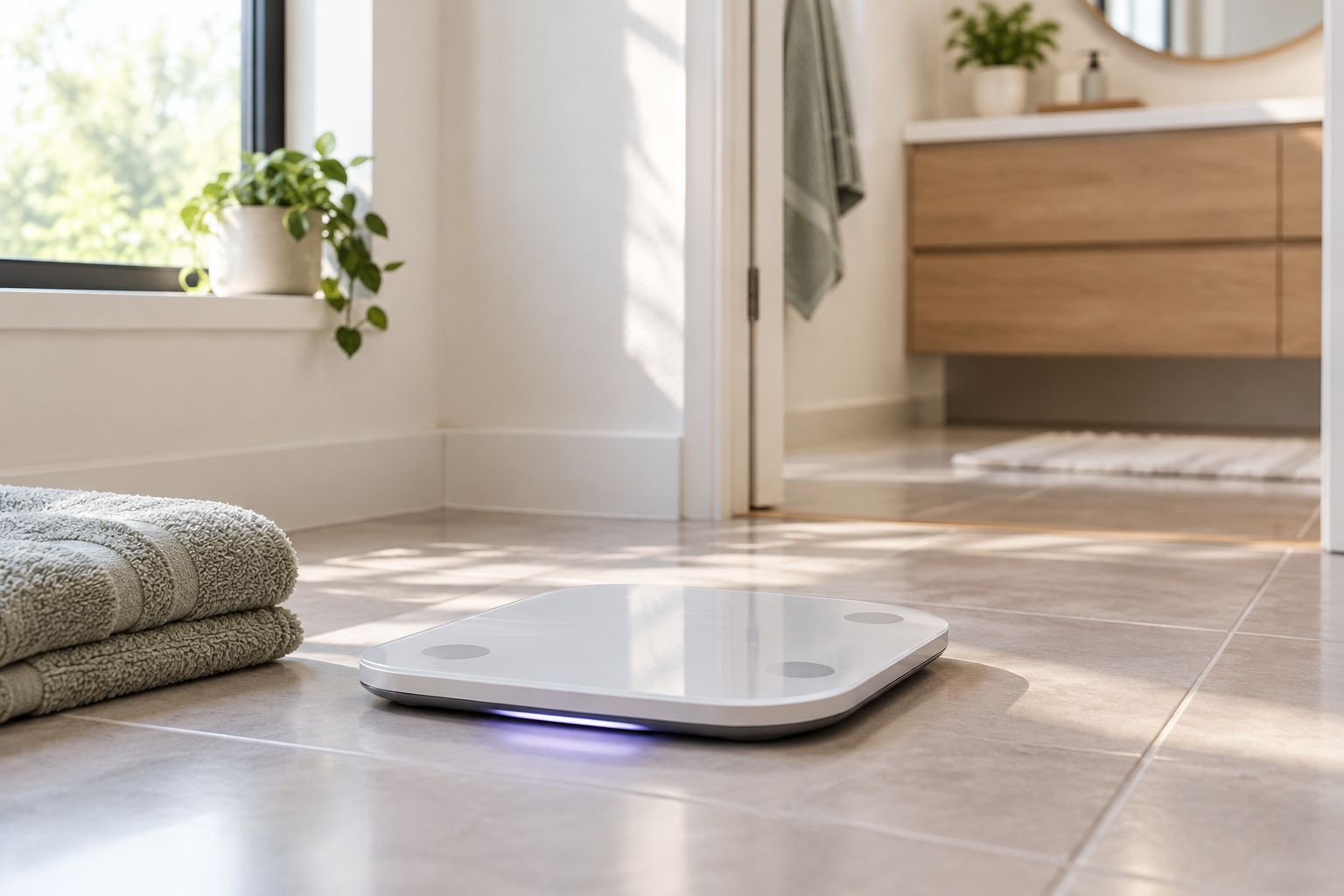
One Hume Pod can serve a whole household when each person gets their own profile in the Hume Health app and weighs in on a steady routine. Instead of passing one set of numbers around and guessing whose reading is whose, you set up the profiles once and let each person's trend build on its own.
- Hume Pod for multiple family members works best with one separate profile per person in the Hume Health app.
- Compare each person only against their own trend, never against another family member.
- Core app tracking needs no subscription. Premium coaching is an optional paid upgrade.
- Hume Band 2.0 works on its own, so family members who want sleep and activity data do not need a Pod.
Why this matters
A shared scale with shared numbers tells you nothing. A body composition reading only means something when it lands in the right person's history, next to their last reading and the one before that.
That is the whole point of splitting the household into profiles. Each person sees their own direction over weeks, not a jumble of four people's weights. If you are still deciding which scale suits a household, the best body composition scales for families guide lays out what to look for.
Before you start
- A Hume Pod, plus a phone for each person who wants to see their own data in the Hume Health app.
- An account and profile for each adult. Decide up front who sets up whose profile, so nobody ends up logged into someone else's.
- The gotcha: the Pod can only file a reading under the right person if the right profile is selected or matched when the reading happens. Agree on that habit before the first weigh-in, not after three weeks of mixed-up data.
Hume Pod comes in the current The Hume Pod 2.0 version. Menu labels in the app can change between releases, so follow the on-screen wording in your own app where it differs from the plain descriptions below.
Set up each person's profile
The goal here is simple: every family member has a profile that reflects them, not the household.
- Install the Hume Health app on the first person's phone and create their profile.
- Enter their basic details accurately. Body composition estimates start from these inputs, so a rough guess here skews every later reading.
- Connect the Hume Pod to the app by following the in-app pairing prompts.
- Repeat on the next person's phone, or add their profile where the app allows it.
Expected result: each person opens the app and sees only their own name and an empty history. If two people see the same history, stop and fix it now.
Build a weigh-in routine everyone can keep
Trends beat single readings. The routine matters more than the setup.
- Pick one time of day for everyone, such as first thing in the morning.
- Place the Pod on a hard, flat floor in the same spot each time.
- Have each person step on in turn, with the right profile active.
- Wait for the reading to finish before the next person steps on.
Expected result: within a couple of weeks each person has a short line of readings that reflects their own habits, not the household's schedule.
What each reading helps you decide stays personal. One person may watch muscle and fat trends while changing their training. Another may care more about steady weight through a busy stretch. Neither should be measured against the other.
Add sleep and activity with Hume Band 2.0
Not everyone in the house needs a Pod reading. Some people mostly want to see sleep, activity, strain and recovery. Hume Band 2.0 works on its own, and the Pod is optional.
That gives you flexible combinations:
- Body composition focus: one Hume Pod shared across the household, each person on their own profile.
- Daily habits focus: a Hume Band 2.0 for each person who wants sleep and activity trends.
- Both: the Pod for the household plus a Band for the people who want the daily view. The Hume Pod and Hume Band 2.0 bundle puts the two together.


Core tracking in the app does not require a subscription. Premium coaching and deeper personalized analysis are optional paid upgrades, and each person can decide for themselves whether they want them.
Add a new family member later
Households change. A partner moves in, a grown child comes home, or someone simply decides to start tracking in 2026 after months of watching from the side.
- Have the new person install the app and create their own profile.
- Connect them to the same Pod the same way you did the first time.
- Do a first weigh-in on the household routine and treat it as their starting point.
Expected result: their history begins on day one without touching anyone else's data. Do not backfill or edit other profiles to make room.
Troubleshooting
- A reading landed on the wrong person. The usual cause is the wrong profile being active when someone stepped on. Agree on who checks the profile before each weigh-in.
- Numbers jump from day to day. Different times of day, a different spot on the floor, or a different amount of hydration move readings. Fix the routine before you judge the device.
- Two people see the same history. They are signed into the same profile. Sign out and set each person up on their own account.
- A reading looks off right after setup. Check that the personal details entered in the profile are accurate, since estimates build from them.
- Someone wants sleep data but no scale. That is what Hume Band 2.0 is for, no Pod needed.
Customize your workflow
Once the routine holds, widen it. Weigh in on a schedule that fits your week rather than every day if that keeps people consistent. Pair body composition with sleep and activity so you can see how a late week shows up in the trend. For a broader look at home options, read the best home body composition analyzers roundup.
FAQ
Can a Hume Pod be used by multiple family members?
Yes, the setup is built around each person having their own profile in the Hume Health app. Each person's readings then build their own trend.
Does every family member need a Hume Band 2.0?
No. Hume Band 2.0 works on its own and is optional alongside the Pod. Only people who want sleep, activity, strain and recovery trends need one.
Do I need a subscription to track my family?
No. Core app tracking does not require a subscription. Premium coaching and deeper personalized analysis are optional paid upgrades.
Should family members compare their numbers?
Compare each person to their own history. Bodies, goals and starting points differ, so a side-by-side comparison rarely informs a useful habit decision.
Is the Hume Pod a medical device?
No. It is a consumer tracking device for seeing trends, not a diagnostic tool or a replacement for medical care.
What is the best time for a household weigh-in?
The best time is whichever one everyone can repeat. A consistent time and spot matter more than the exact hour.
One last thing
The most useful habit in a shared setup is the dullest one: the same time, the same spot, the right profile. Get those three right and the trend lines take care of themselves. Start at Hume Health and set up the first profile this week.